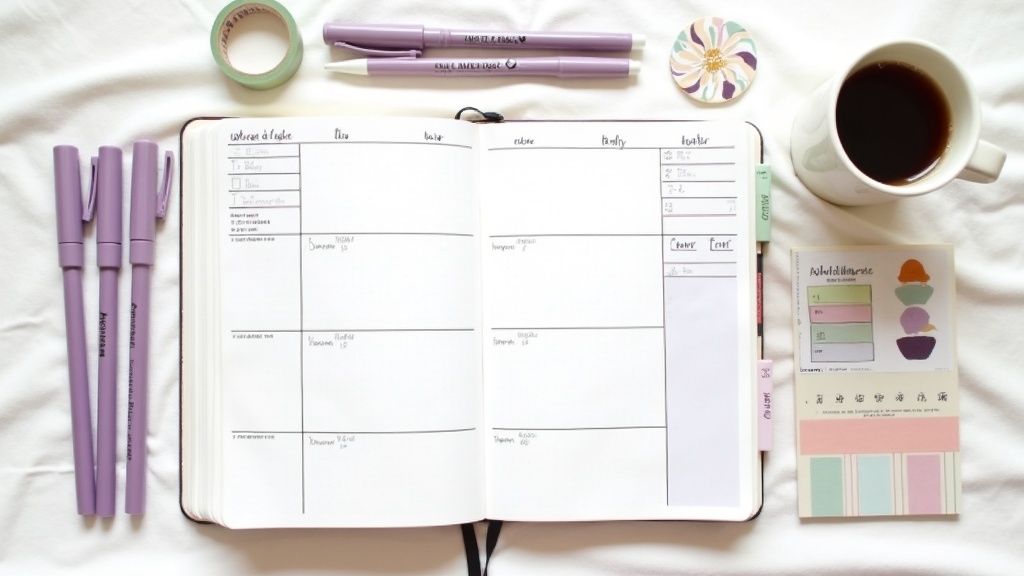
The Testing Rule: How to Know If Your Weekly Spread Actually Works (Before You Commit to a Month)

Okay okay okay, let's talk about something I've learned the hard way:
A spread can look PERFECT and still be completely non-functional. It can be beautiful, color-coded, decorated with washi tape and stickers, and then you open it on Tuesday morning and realize... you have no idea where to write your actual tasks.
I used to design spreads based on how they looked. Then I'd commit to them for a whole month. And by week 3, I'd be frustrated because the layout wasn't working for my actual life.
Here's what changed: I started testing spreads for one week before committing to a month.
The Testing Rule
Before you make a layout your "official" monthly system, run it for exactly one week. That's it. Seven days.
Why one week?
- It's long enough to see patterns. One day could be a fluke. One week shows you if the layout actually fits your life.
- It's short enough to change course. If it's not working, you haven't wasted a month. You've just learned something.
- It's how you catch the invisible problems. The ones that look fine on paper but break down in real life.
What to Test For
During your test week, pay attention to these things:
1. Space allocation
Do you have enough room for what you actually write? Or are you cramming tasks into margins because the spread designer gave you three lines for Monday when you have 12 tasks?
2. Functionality under pressure
Does the layout work on your busiest day? Not your average day — your chaos day. If Monday is brutal and your spread falls apart, it's not the right layout.
3. The decision-making speed
Can you open your planner and know EXACTLY where to write something? Or are you staring at the page trying to figure out if this task goes in "tasks" or "priorities" or "action items"?
4. The maintenance cost
How much time does it take to maintain? If you're spending 20 minutes every morning just filling in the spread, that's not a productivity system — that's a decoration project.
5. The "I actually opened it" factor
Did you use it every day? Or did you open it on Monday and then ignore it because it felt like too much work?
Real Example: The Layout That Looked Perfect
I found this gorgeous weekly spread design on Pinterest last month. It had:
- A color-coded section for each day (Monday = lavender, Tuesday = sage, etc.)
- Time blocks from 6 AM to 9 PM
- A priority box at the top
- A tracker section on the side
- Decorative headers with brush lettering
It looked STUNNING. I committed to February with it.
By Wednesday, I realized:
- The time blocks were too small to actually write in
- I don't work in time blocks — I work in batches (focused work, admin work, creative work)
- The color-coding was pretty but added 10 minutes to my setup time
- The tracker section took up space I needed for actual tasks
But here's the thing: I didn't know any of that until I TESTED it. The spread looked perfect in theory. It failed in practice.
So I switched. Mid-month. And I'm not ashamed of that.
The Modified Version That Actually Works
After testing, here's what I use now:
- No time blocks. Just a simple list format with space for each day.
- Three sections: Tasks, Appointments, Notes
- Minimal decoration. One washi tape border, colored headers, done.
- No separate tracker. I track habits on a dedicated spread, not in my weekly.
- Setup time: 15 minutes. Not 45.
It's less pretty than the Pinterest version. It's infinitely more functional. And I actually use it every day.
How to Run Your Own Test
Step 1: Pick a layout you want to test.
Find it on Pinterest, copy it from another planner, design it yourself — doesn't matter.
Step 2: Set it up for exactly one week.
Don't commit to a month. Just one week. Tell yourself: "I'm testing this. If it doesn't work, I'm changing it."
Step 3: Use it like it's your real planner.
Because it is. Write your actual tasks, appointments, notes. Don't treat it like a trial run.
Step 4: At the end of the week, ask yourself:**
- Did I use this every day?
- Did I have enough space?
- Did it work on my hardest day?
- Did it take too long to maintain?
- Would I want to use this for another week?
Step 5: Make a decision.
Keep it for the month. Modify it and test again. Or scrap it and try something new.
The Permission You Need
Here's what I want you to know: Changing your spread mid-month is not a failure. It's data.
It means you're paying attention. It means you're willing to adjust instead of suffer through a layout that doesn't work. That's not indecisive — that's responsive.
Your planner should work FOR you, not against you. If a layout looks beautiful but doesn't function, it's not the right layout. Period.
So test. Adjust. Keep what works. Ditch what doesn't.
Your planner, your rules.
What's Your Testing Story?
Have you ever found a spread that looked perfect but didn't work? Or one that looked boring but changed everything? Show me! I want to hear about the layouts you tested and kept, and the ones you ditched.
Comment below or tag me on Instagram @artsyagenda. Let's talk about what actually works.